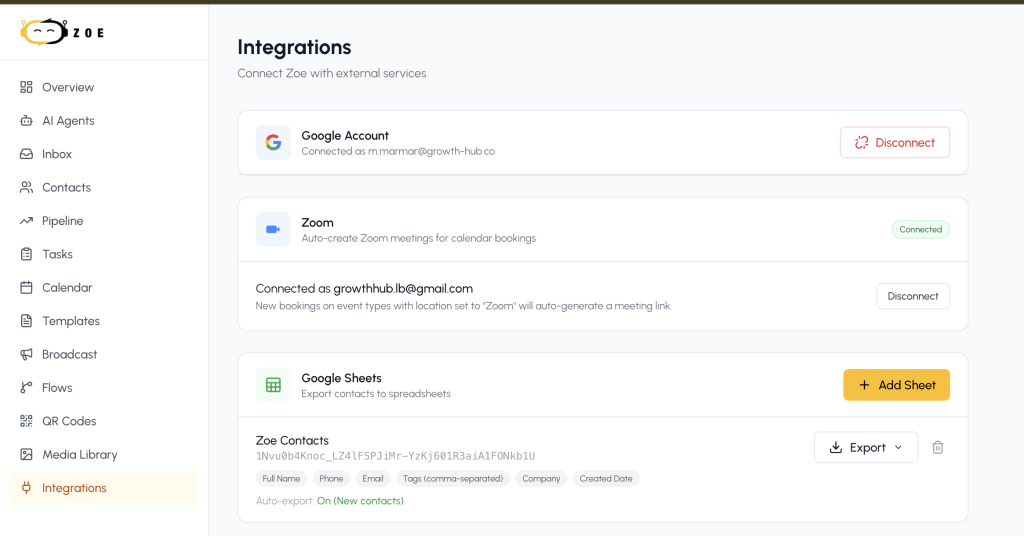
You can connect Zoe AI agent bot to your Zoom account to help set your bookings autonomously and here’s how to do it:
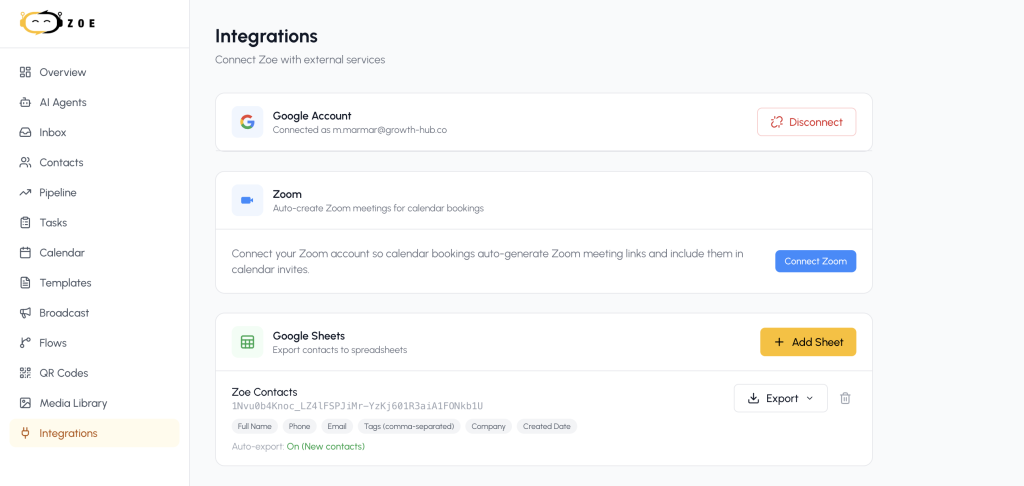
- Go to Integrations, then Connect Zoom
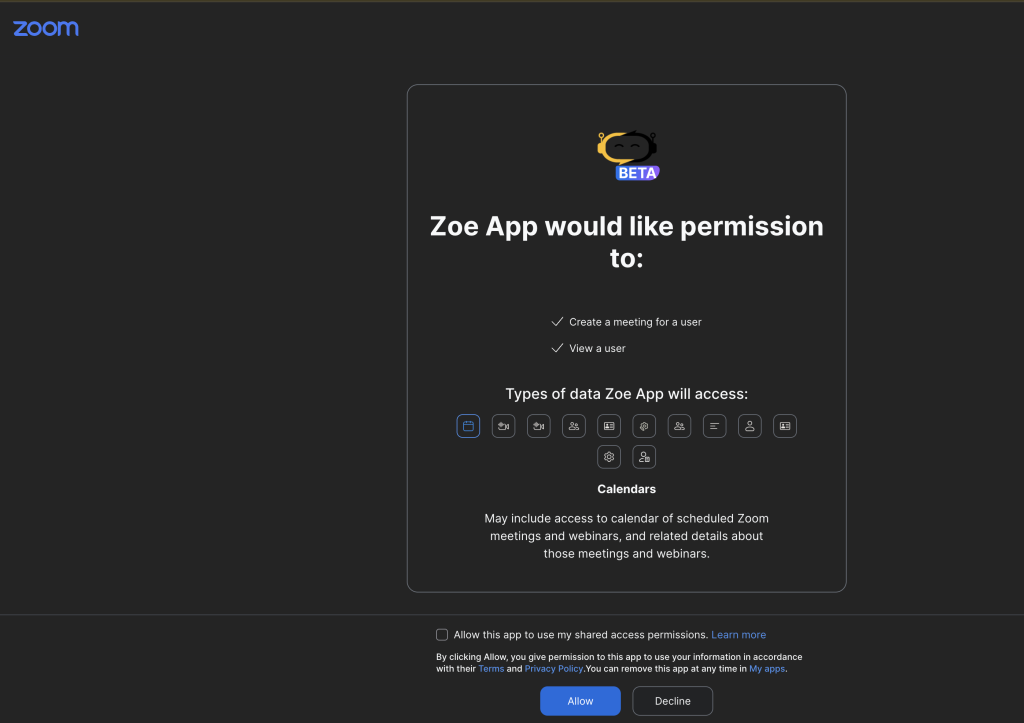
2. Grant the needed access
3. Go to Calendar -> Events (on the top right side of the screen) and click on Settings
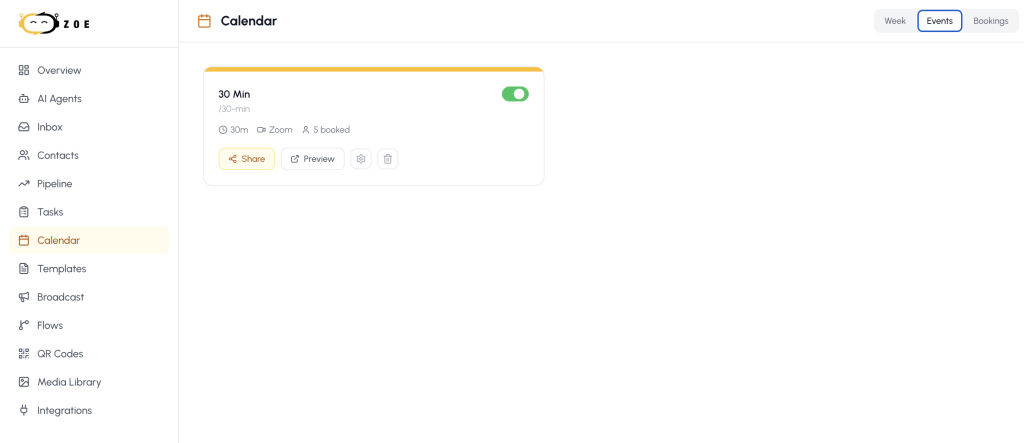
4. And select Zoom from the Location options
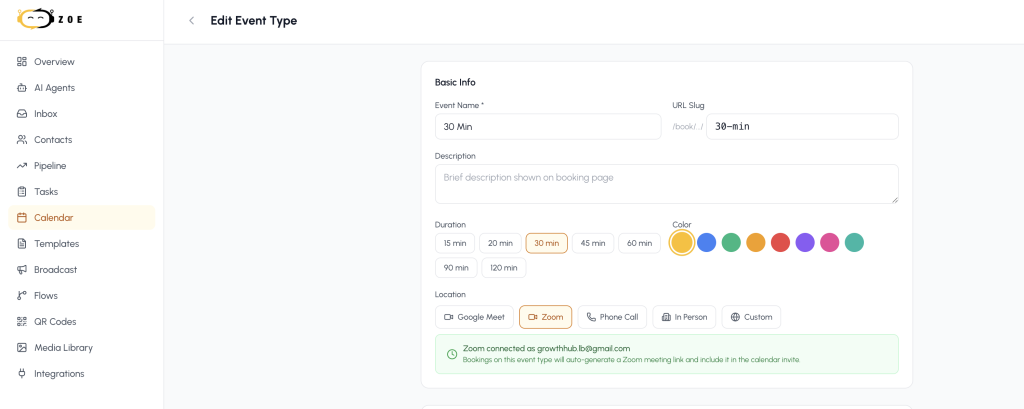
5. Now your calendar is ready to share the link with your leads
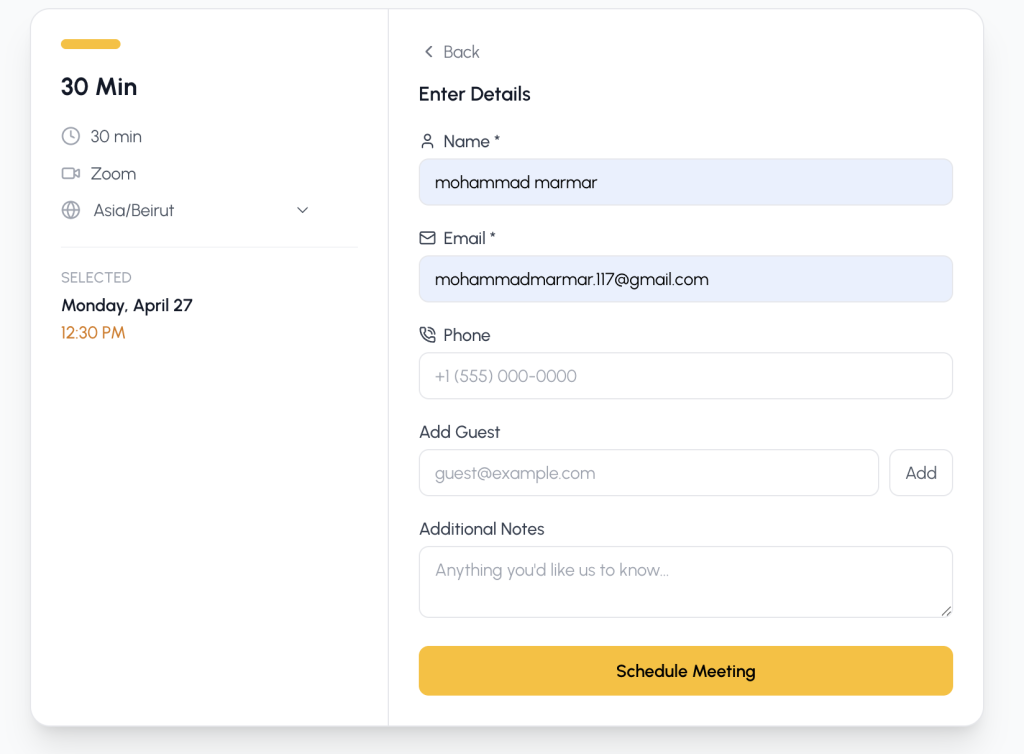
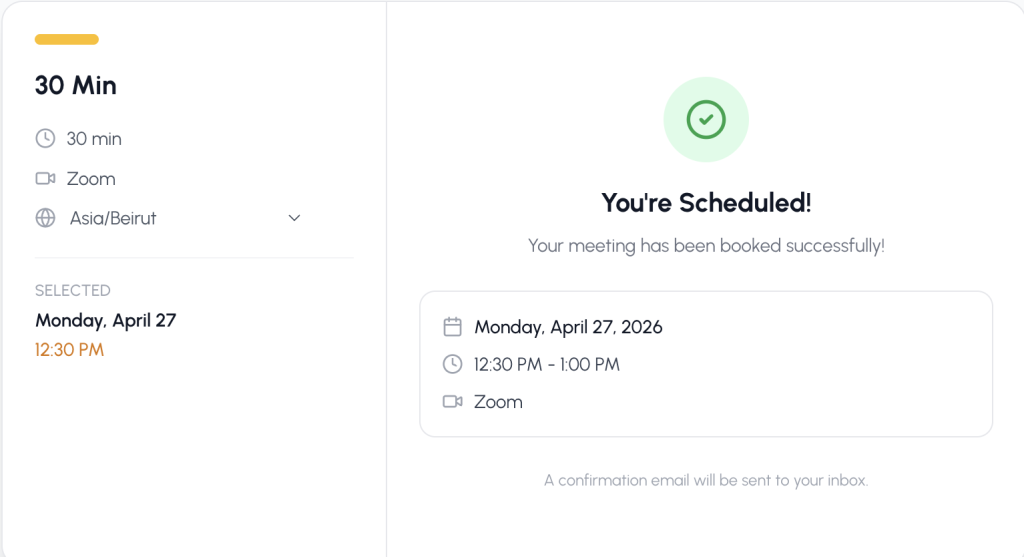
6. Once your lead books, he will receive the booked meeting detail link by WhatsApp
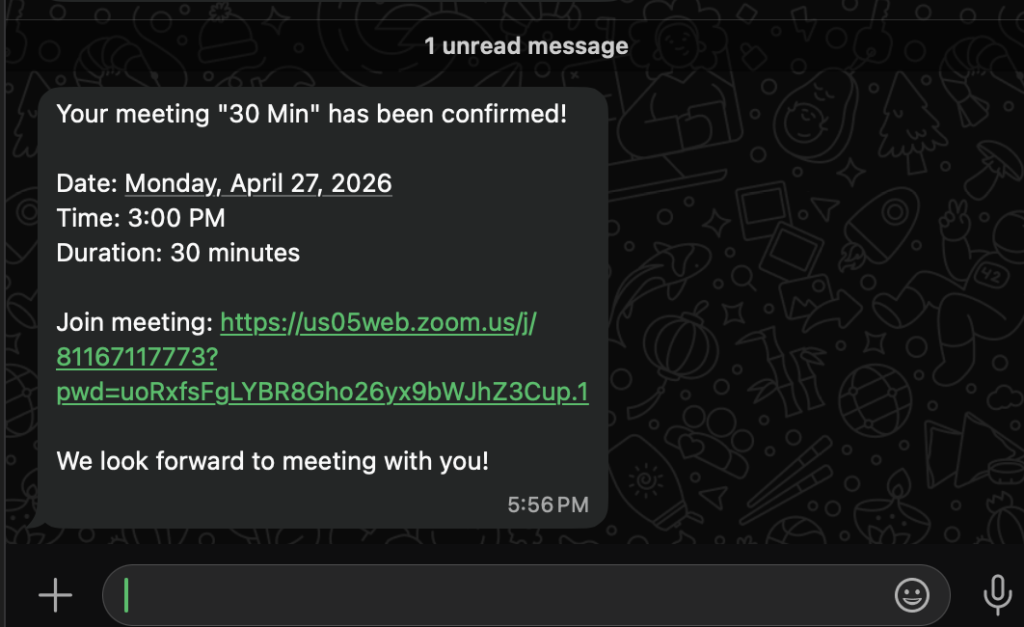
7. At any given time, you can disconnect Zoom by going back to Settings, then click on Disconnect: